

Submitted by: AICA Level2 Batch01
Premnath Degala, 207133; RAHUL PRAKASH BAJAJ, 120075; RAHUL R GABHAWALA, 427427; PRABHAW KUMAR AGARWALLA, 312508
Introduction
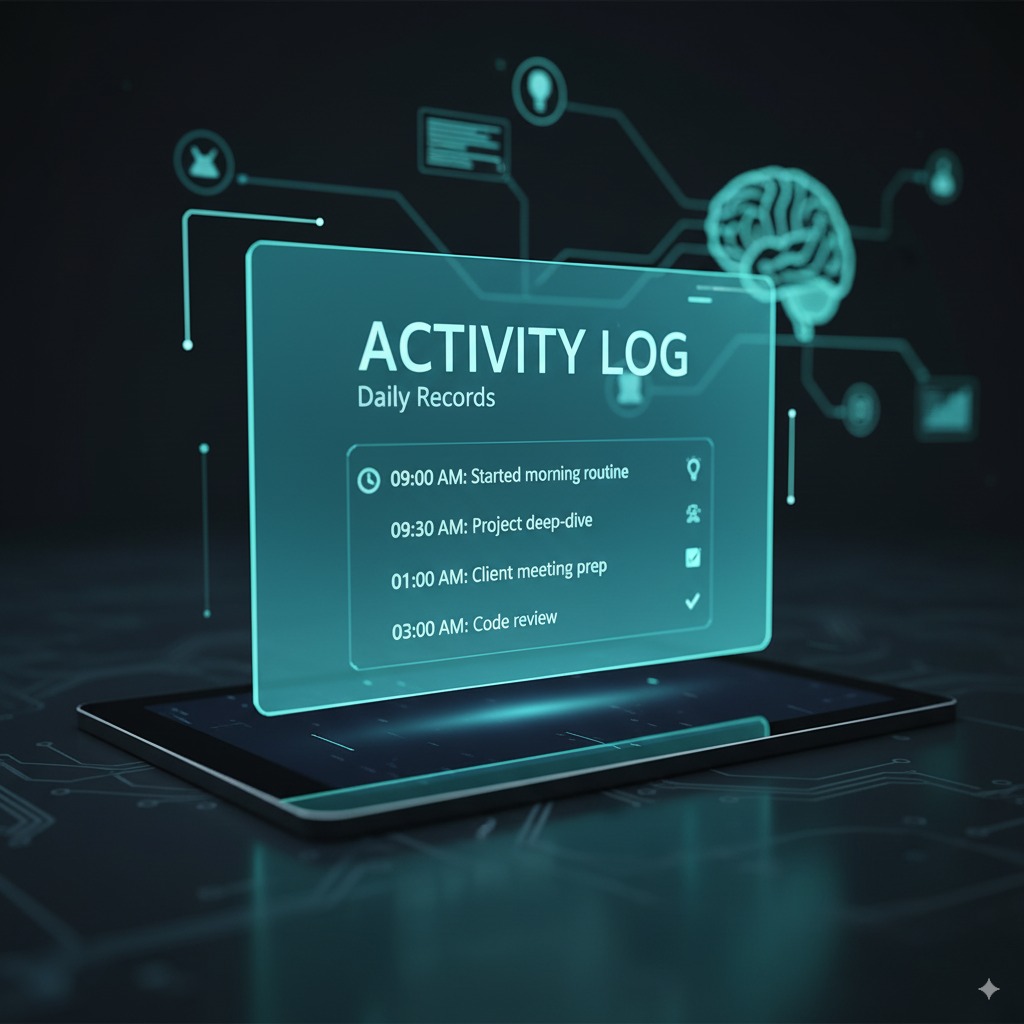
An Activity Logging System is designed to automatically record every key action performed by users, employees, or system processes. It acts as a transparent and reliable audit trail that helps organizations track work, maintain accountability, and monitor system behavior. Whether used in HR, operations, IT systems, or internal workflows, the activity log ensures that all critical actions are captured in a structured and easily retrievable manner.
Problem Statement
Organizations often lack a central mechanism to track activities performed within a system or during daily operations. This leads to:
Difficulty in identifying who performed which action and when
No traceability during audits or reviews
Challenges in resolving disputes or operational errors
Lack of compliance with internal controls and industry standards
A dedicated logging system is therefore essential to maintain transparency, accountability, and traceability.
Objectives
To automatically create a chronological log of all activities performed in the system
To capture essential details such as user name, timestamp, action performed, and module
To store logs securely for future reference, review, and audit
To provide managers/admins with a dashboard or report to analyze activities
To enhance accountability and improve process governance
Technology Used
(Example stack — customizable as per your actual implementation)
Backend: Python (Flask/Django/FastAPI), Node.js, or Java
Database: PostgreSQL / MySQL / MongoDB for storing logs
Frontend: HTML-CSS-JS or React for viewing logs
Logging Libraries:
Python: logging, loguru
Node.js: winston, morgan
Timestamping: System clock or NTP-synced server time
Security: Role-based access control (RBAC), encrypted storage
Optional: Integration with analytics tools for insights
Methodology
Event Capture
Every user action (e.g., login, update, deletion, submission) triggers a logging event.
Log Structuring
For each event, the system records:
User ID / Employee ID
Activity performed
Timestamp (date and time)
Module or screen
Additional metadata (IP address, device, status)
Storage in Log Repository
Logs are stored in a secure and structured database table or log file.
Real-Time or Daily Review
Admins can view logs via a dashboard or export them as Excel/PDF.
Monitoring & Alerts (optional)
Suspicious or high-risk activities can be flagged for review.
Archival & Retention
Older logs can be archived periodically to maintain performance.
Expected Outcomes
A complete audit trail of all activities performed
Higher accountability as every action is recorded with user details
Improved transparency for managers and auditors
Fast and reliable troubleshooting when errors or disputes arise
Better compliance with governance, risk, and audit frameworks
Conclusion
A system that creates a log of activities performed is a fundamental component of responsible and well-governed digital operations. By capturing who did what, when, and how, the organization gains clarity, control, and confidence in its workflows. It supports audits, strengthens internal controls, and enhances operational discipline.